
Using Daygrade for iOS: Features and Tips

Tracking daily habits and personal growth can be challenging without the right tools. I found that using Daygrade for iOS helps me stay on top of my progress. This app offers a simple way to monitor daily performance and reflect on habits. It supports self-awareness and encourages steady improvement. In this post, I will share key features of Daygrade and practical tips to get the most out of it.
Exploring Daygrade for iOS Features
Daygrade for iOS is designed to be straightforward and user-friendly. The app focuses on daily tracking, allowing you to rate your day based on various personal criteria. You can customize these criteria to fit your goals, such as productivity, mood, or exercise.
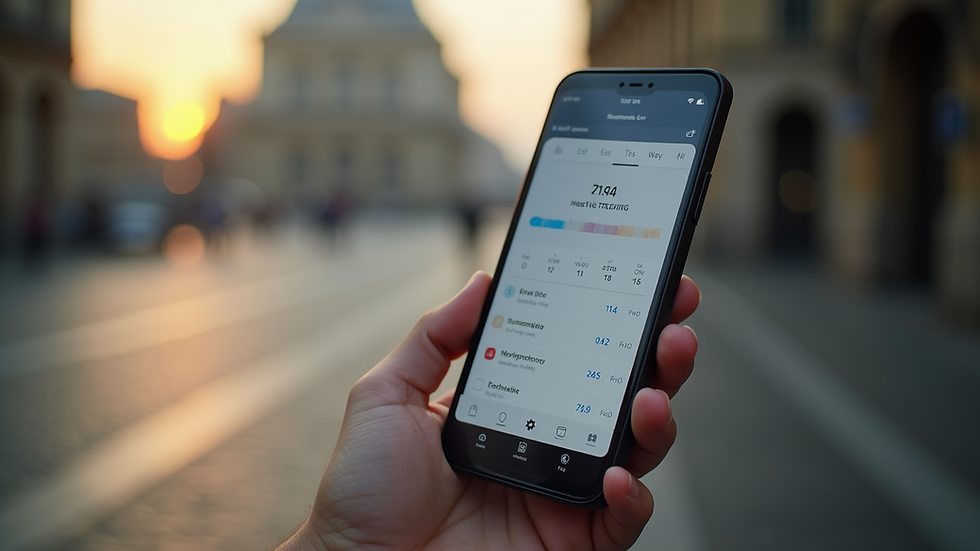
One feature I appreciate is the daily rating system. Each day, you assign a score from 1 to 10. This quick input helps you reflect on your overall performance without spending much time. The app then compiles these scores into charts and graphs, showing trends over weeks and months.
Another useful feature is the notes section. You can add short comments or reminders about what influenced your day’s score. This helps identify patterns and triggers for good or bad days. For example, I noticed that days with more exercise often had higher scores.
The app also supports goal setting. You can set specific targets and track progress toward them. This keeps motivation high and provides a clear path for improvement.

How to Use Daygrade for iOS Effectively
To get the most from Daygrade, consistency is key. I recommend setting a daily reminder to rate your day at a fixed time, such as before bed. This habit ensures you don’t forget and helps build a routine.
Start by defining 3 to 5 personal criteria that matter most to you. Keep them simple and relevant. For example:
Sleep quality
Work productivity
Physical activity
Mood
Social interaction
Rate each criterion daily and then give an overall score. Over time, this data reveals which areas need attention.
Use the notes feature to jot down specific events or feelings. This context makes the scores more meaningful. For instance, if you had a stressful meeting, note it. Later, you can see how such events affect your overall well-being.
Review your progress weekly. Look at the charts and identify trends. Celebrate improvements and plan how to address setbacks. This reflection is crucial for personal growth.
Customizing Your Daygrade Experience
Daygrade allows you to tailor the app to your needs. You can rename criteria, add new ones, or remove those that no longer apply. This flexibility keeps the app relevant as your goals evolve.
I suggest experimenting with different criteria to find what truly impacts your daily life. For example, if you want to improve mindfulness, add a criterion for meditation or relaxation.
The app also offers color-coded ratings. This visual aid makes it easier to spot good and bad days at a glance. Use this feature to quickly assess your mood patterns or productivity levels.
Another tip is to use the app alongside other tools, like calendars or habit trackers. Daygrade provides a broad overview, while other apps can offer detailed task management.

Integrating Daygrade into Your Daily Routine
Incorporating Daygrade into your daily life is simple. I recommend pairing it with an evening routine. After winding down, take a few minutes to open the app and enter your scores. This practice encourages mindfulness and self-reflection.
You can also use Daygrade in the morning to review the previous day’s scores and notes. This review helps set intentions for the new day and plan improvements.
If you prefer, share your progress with a trusted friend or coach. Discussing your scores and insights can provide accountability and support.
Remember, the goal is not perfection but steady progress. Use Daygrade as a tool to understand yourself better and make informed changes.
Tips for Maximizing Growth with Daygrade
To boost your personal development, combine Daygrade with these strategies:
Set realistic goals - Avoid overwhelming yourself with too many criteria or high expectations. Start small and build gradually.
Be honest - Rate your days truthfully. Accurate data leads to better insights.
Reflect regularly - Use the notes and charts to understand your habits deeply.
Adjust criteria as needed - Life changes, and so should your focus areas.
Celebrate progress - Acknowledge improvements, no matter how small. This reinforces positive behavior.
Using the daygrade app for ios consistently helps create a clear picture of your habits and growth. It empowers you to make better choices and track your journey toward self-improvement.
Building Awareness and Growth Over Time
Daygrade is more than a tracking tool. It fosters awareness by encouraging daily reflection. Over weeks and months, this awareness leads to meaningful change.
I find that seeing my progress visually motivates me to keep going. The app’s simplicity removes barriers to daily use. It fits easily into any lifestyle.
By focusing on small, daily actions, Daygrade helps build lasting habits. This approach aligns with the idea that personal growth is a continuous process, not a one-time event.
If you want to improve your self-awareness and track your personal development, Daygrade for iOS offers a practical and effective solution. It supports you in understanding your habits and making steady progress toward your goals.


Comments