
Using Daygrade for iOS: Features and Tips

Tracking daily habits and personal growth can be challenging without the right tools. I found that using Daygrade on iOS simplifies this process. It helps me monitor my daily performance and understand my habits better. This app focuses on self-awareness and gradual improvement. In this post, I will share the key features of Daygrade for iOS and some practical tips to get the most out of it.
Exploring Daygrade for iOS Features
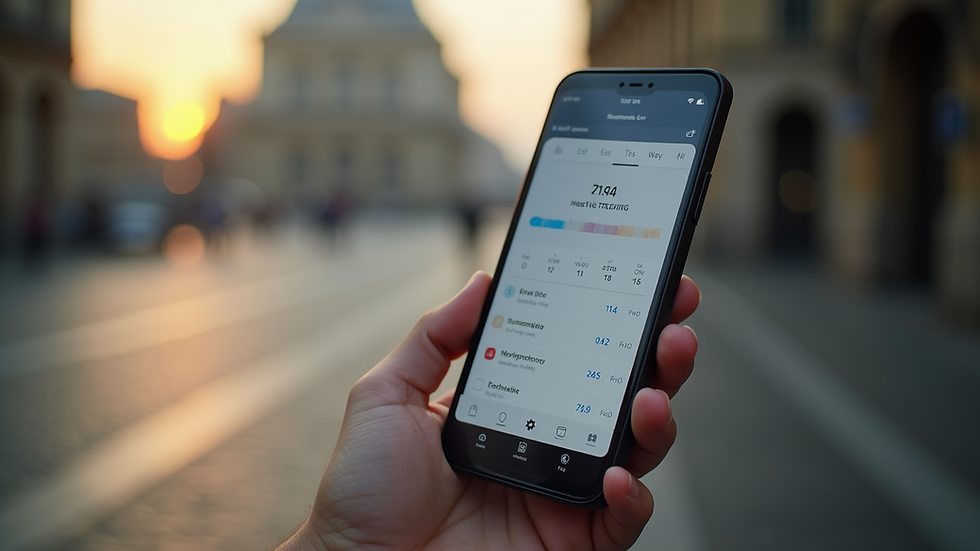
Daygrade for iOS offers a clean and intuitive interface. It allows users to rate their day on a scale, which helps in quantifying daily experiences. The app then tracks these ratings over time, providing insights into patterns and trends.
Some standout features include:
Daily Rating System: Rate your day from 1 to 10 based on your overall performance or mood.
Notes Section: Add brief notes to explain the rating or record specific events.
Visual Graphs: View your progress with easy-to-read charts that show highs and lows.
Reminders: Set daily notifications to encourage consistent tracking.
Data Export: Export your data for deeper analysis or sharing with a coach or mentor.
These features make it easy to stay consistent and motivated. The simplicity of the app encourages daily use without feeling overwhelming.

How to Use Daygrade for iOS Effectively
To get the most from Daygrade, I follow a few simple steps:
Set a Daily Reminder: Consistency is key. I set a reminder for the same time every evening to rate my day.
Be Honest and Specific: When rating, I consider my overall mood, productivity, and well-being. Adding notes helps me remember what influenced my score.
Review Weekly Trends: I check the graphs weekly to spot patterns. This helps me identify what days or activities boost or lower my performance.
Adjust Goals Based on Data: If I notice a dip in my ratings, I reflect on possible causes and adjust my habits accordingly.
Use Exported Data for Reflection: Occasionally, I export my data to review long-term trends and share insights with my accountability partner.
By following these steps, I maintain a clear picture of my progress and areas needing improvement.
Tips for Maximizing Your Daygrade Experience
Here are some practical tips I use to enhance my experience with Daygrade:
Keep Notes Brief but Meaningful: A few words about what made the day good or bad can provide valuable context later.
Use the App as a Mindfulness Tool: Rating your day encourages reflection, which promotes self-awareness.
Combine with Other Self-Improvement Practices: Use Daygrade alongside journaling or meditation for a holistic approach.
Experiment with Rating Criteria: Customize what you consider when rating your day, such as energy levels, focus, or social interactions.
Celebrate Small Wins: Use high ratings as motivation and reward yourself for consistent tracking.
These tips help me stay engaged and make the app a useful part of my daily routine.

Understanding Your Progress with Daygrade
One of the most valuable aspects of Daygrade is its ability to reveal trends over time. The visual graphs show fluctuations in daily ratings, which can highlight:
Patterns Linked to Habits: For example, lower scores on days without exercise.
Impact of External Factors: Stressful events or changes in routine reflected in ratings.
Improvement Over Time: Gradual increase in scores as positive habits take hold.
By analyzing these trends, I gain insights into what supports my growth and what hinders it. This understanding helps me make informed decisions about my daily habits and lifestyle.
Staying Motivated with Daygrade
Tracking progress can sometimes feel tedious. Daygrade helps maintain motivation by:
Providing a simple, quick way to log daily experiences.
Showing visual proof of improvement.
Encouraging reflection and self-awareness.
Allowing customization to fit personal goals.
I find that the app’s ease of use and clear feedback loop keep me engaged. Setting small, achievable goals within the app also boosts my motivation.
If you want to try it yourself, you can download the daygrade app for ios and start tracking your daily performance today.
Final Thoughts on Using Daygrade for iOS
Daygrade for iOS is a practical tool for anyone looking to improve self-awareness and personal growth. Its straightforward design and useful features make daily tracking simple and effective. By consistently rating my days and reviewing trends, I stay connected to my progress and motivated to improve.
Using Daygrade has helped me understand my habits better and make positive changes. I recommend giving it a try if you want a clear, manageable way to track your personal development journey.


Comments